
Find the unit
Review the property, unit, current tenant, agreement dates, and amount due.
One view of every property, lease, payment, and follow-up.
A property team works across owners, buildings, units, tenants, and finance. Spread can connect the record of each property to the day-to-day work around it.
A practical example ↓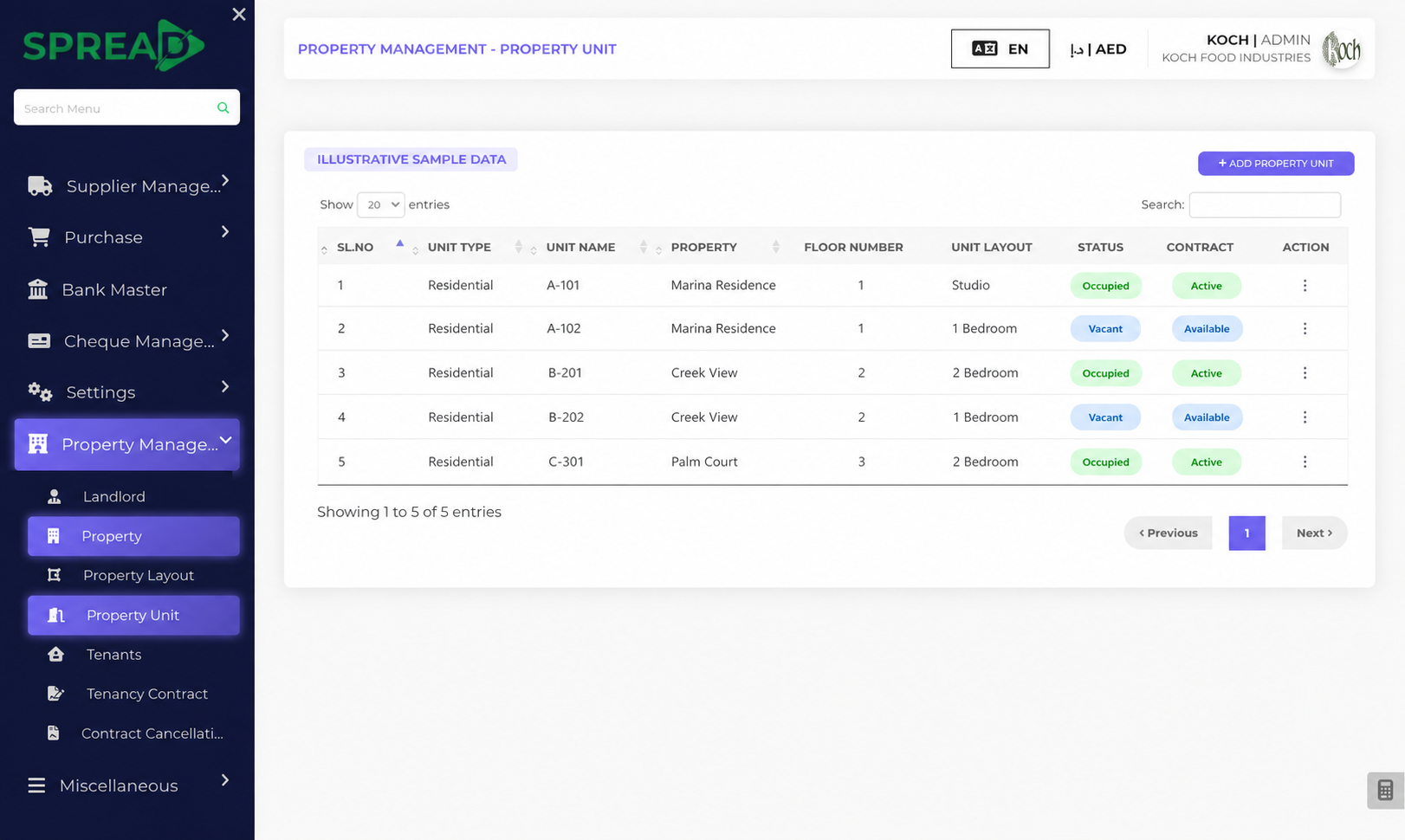
The team starts with a property and its units, records the tenant and agreement, follows due rent or cheques, and reviews what is outstanding by unit and period.
For example, a manager can open the unit record and follow the agreement and payment work in one place.
Review the property, unit, current tenant, agreement dates, and amount due.
Record the new rental period and the agreed payment schedule.
Track each invoice, receipt, or cheque against the tenant and unit.
See what is paid, overdue, or upcoming before updating the owner.
Illustrative workflow. The exact setup depends on your business and the features enabled for your team. This example focuses on property and financial records; service requests or tenant portals depend on the configured product scope.
We can map your current process and discuss how to configure Spread around it.
Keep units, tenants and contracts connected.
Keep dates, payment details and status visible.
Connect daily entries with the bigger picture.
Keep customer records, prices and sales history together.
Turn daily activity into useful decisions.
We can map your current process and discuss how to configure Spread around it.