
Prepare the sale
Create a quotation or order with the customer, products, price and tax details.
Keep the customer, items, invoice and payment together so your team can see what was sold and what is still due.
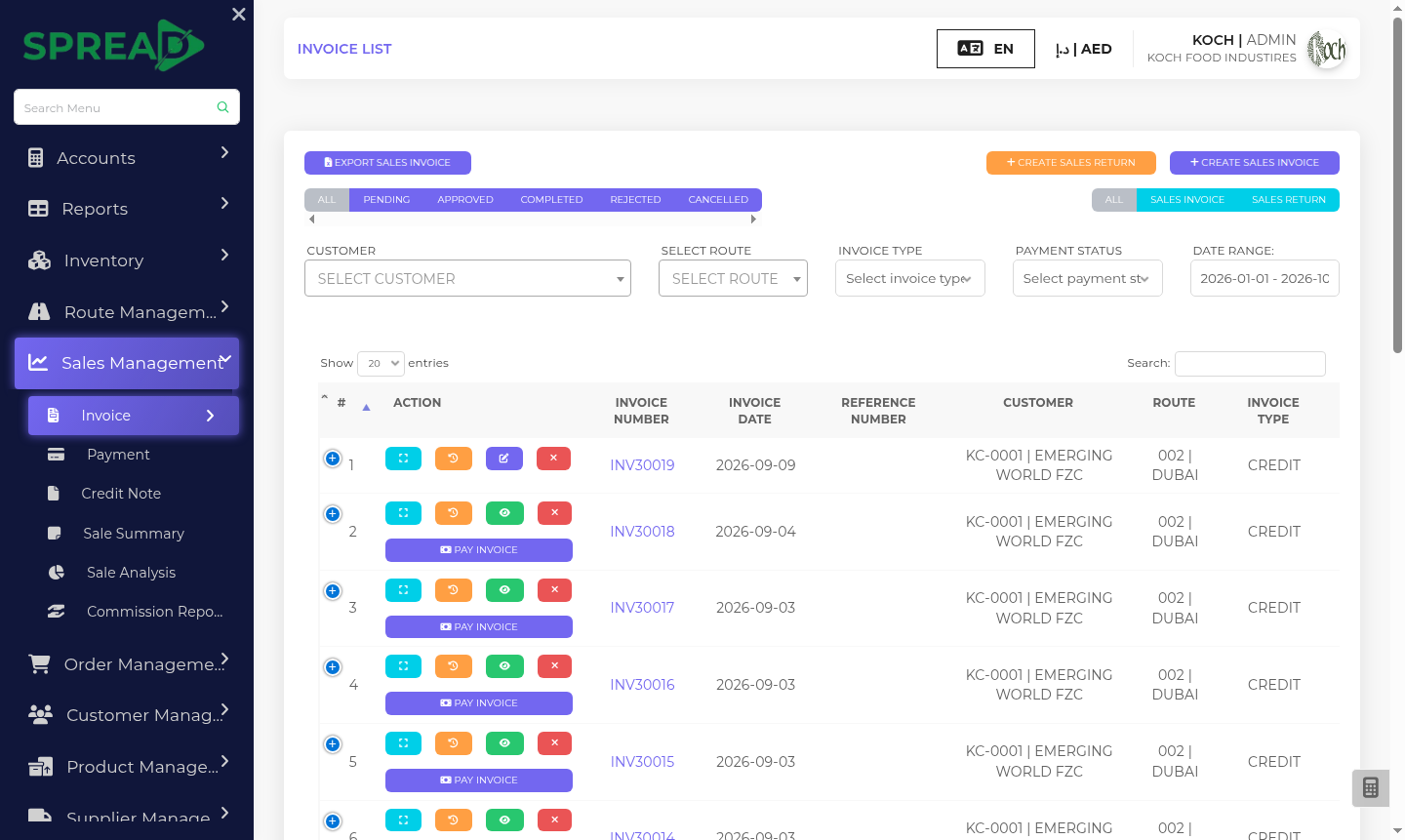
A practical path through the work, from first record to the next decision.
Create a quotation or order with the customer, products, price and tax details.
Create a sales invoice, review its line items and follow its approval status.
Record payment and review outstanding invoices, returns or credit notes.
Keep the customer, items, invoice and payment together so your team can see what was sold and what is still due.
Tell the Spread team what you manage today and where you need a clearer view.