
Set up the supplier
Keep supplier details, tax number and agreed credit terms in one record.
Keep supplier terms and purchase documents together from the order through the goods received and the balance owed.
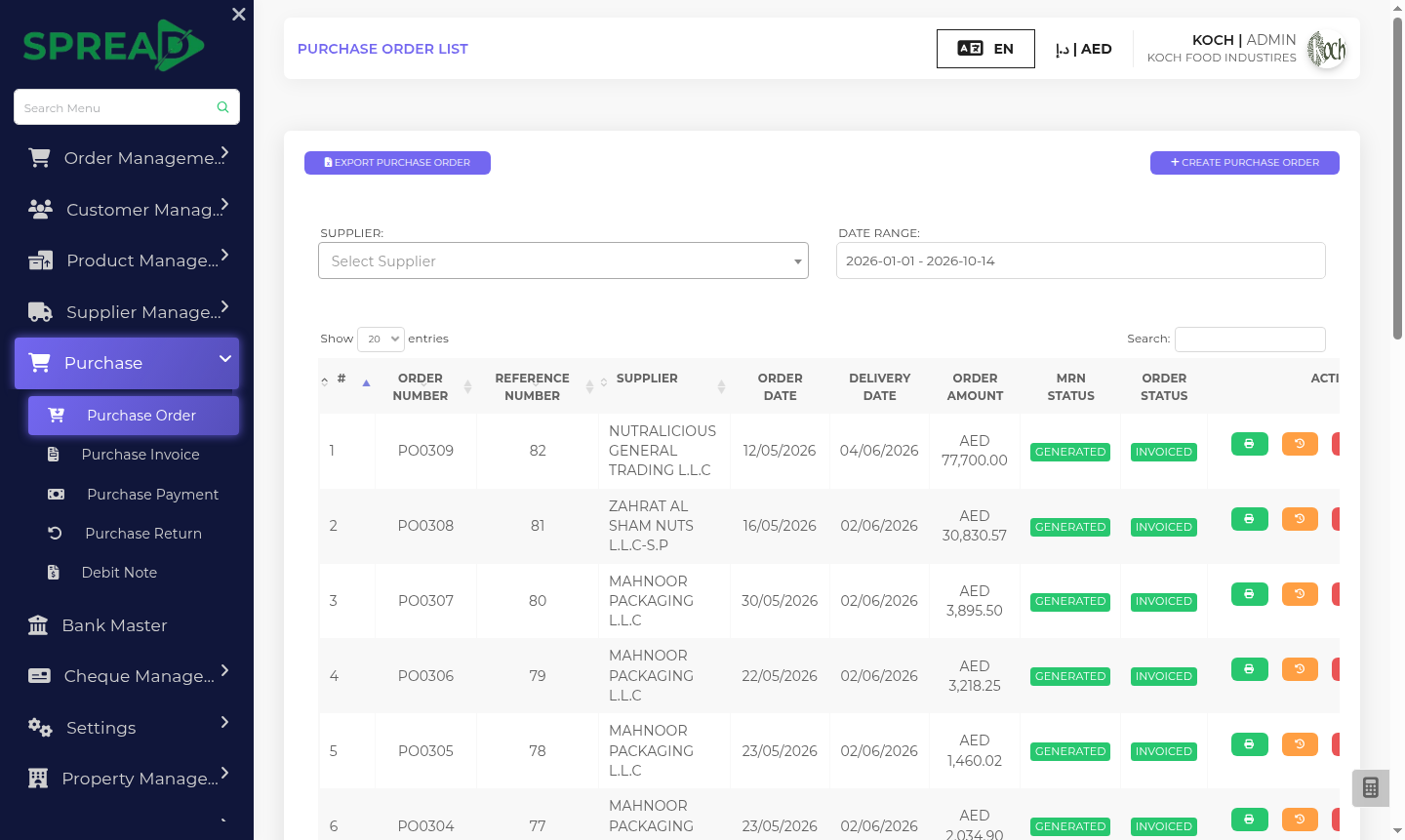
A practical path through the work, from first record to the next decision.
Keep supplier details, tax number and agreed credit terms in one record.
Create a purchase order and record received goods against it.
Review purchase invoices, payments, returns and supplier balances.
Keep supplier terms and purchase documents together from the order through the goods received and the balance owed.
Tell the Spread team what you manage today and where you need a clearer view.