
Set the bank details
Choose the bank account and whether the cheque is received or paid.
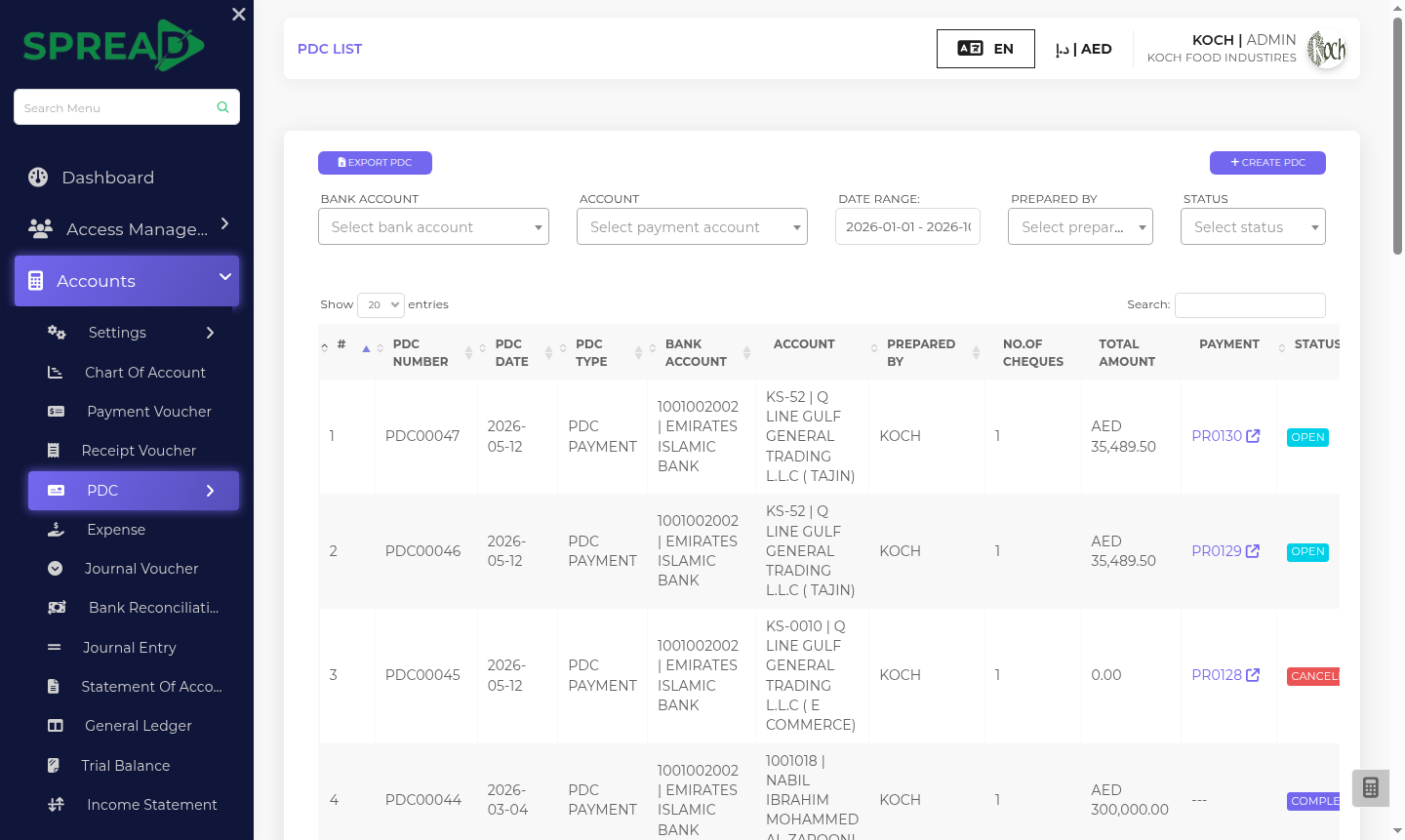
Track cheques by bank, account, payment direction and due date, so your finance team has a clearer view of what is coming next.
A practical path through the work, from first record to the next decision.
Choose the bank account and whether the cheque is received or paid.
Record the cheque number, date, amount and the payment it relates to.
Review approvals and reports by date, account and current status.
Track cheques by bank, account, payment direction and due date, so your finance team has a clearer view of what is coming next.
Tell the Spread team what you manage today and where you need a clearer view.