
Capture the transaction
Create the invoice from the customer, product or service, values and tax information already used by the business.
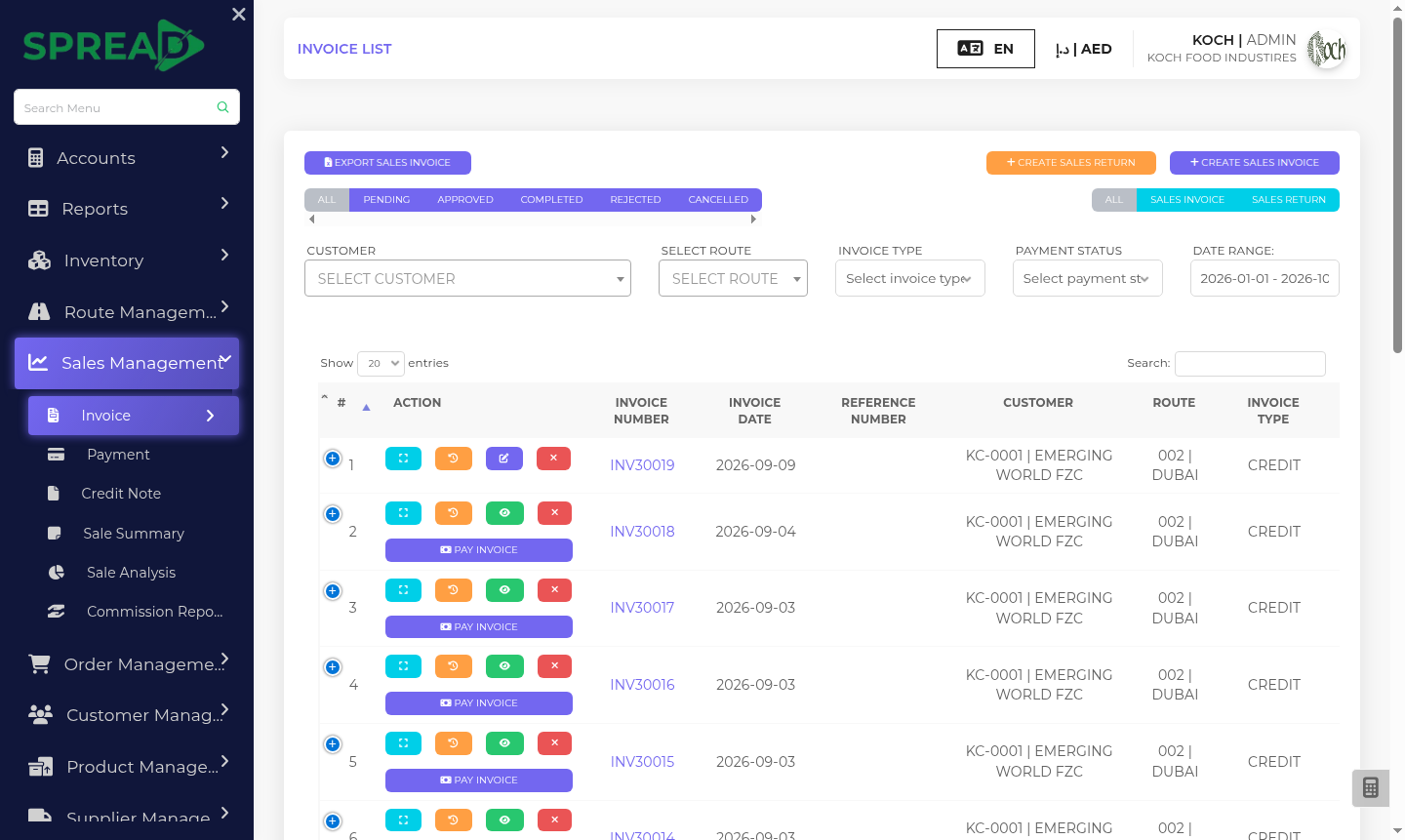
Keep the invoice tied to the sale, customer, tax details and payment. Your team works in the familiar Spread admin flow while structured invoice data is exchanged through an accredited service provider.
An e-invoice is structured invoice data sent and received electronically through the UAE framework. A PDF or emailed invoice on its own is not an e-invoice.
Read the UAE Ministry of Finance guidance ↗The finance and sales teams can move from an approved transaction to exchange and follow-up without losing the business context behind the invoice.
Create the invoice from the customer, product or service, values and tax information already used by the business.
Use the existing admin controls to check the document, permissions and approval before it moves forward.
Send structured invoice data through the connected accredited service provider for exchange in the UAE e-invoicing framework.
Keep invoice history, exchange status, payment information and related reporting visible to the right team.
E-invoicing sits alongside the existing Spread admin workflow instead of creating a separate place to manage the business.
Find the original sale, invoice, customer and document history together.
Keep review steps and role-based visibility in the hands of the right staff.
Follow outstanding amounts and use the existing finance and VAT reporting views.
Review invoice activity across the business with the same central administration.
A sales order is confirmed, the invoice is reviewed by finance, structured data is exchanged, and the team follows the result and collection from the same business record.
Illustrative example. Invoice types, validation rules and exchange statuses depend on the live setup.Tell us how you issue invoices today. We can show your team the existing admin flow, provider connection and the invoice types configured for your business.
For current rules, scope and deadlines, refer to the UAE Ministry of Finance. mof.gov.ae ↗