
Choose the question
Start with sales, inventory, customer balances, supplier aging or finance.
Review sales, inventory, customer and supplier activity alongside financial reports to understand what needs attention.
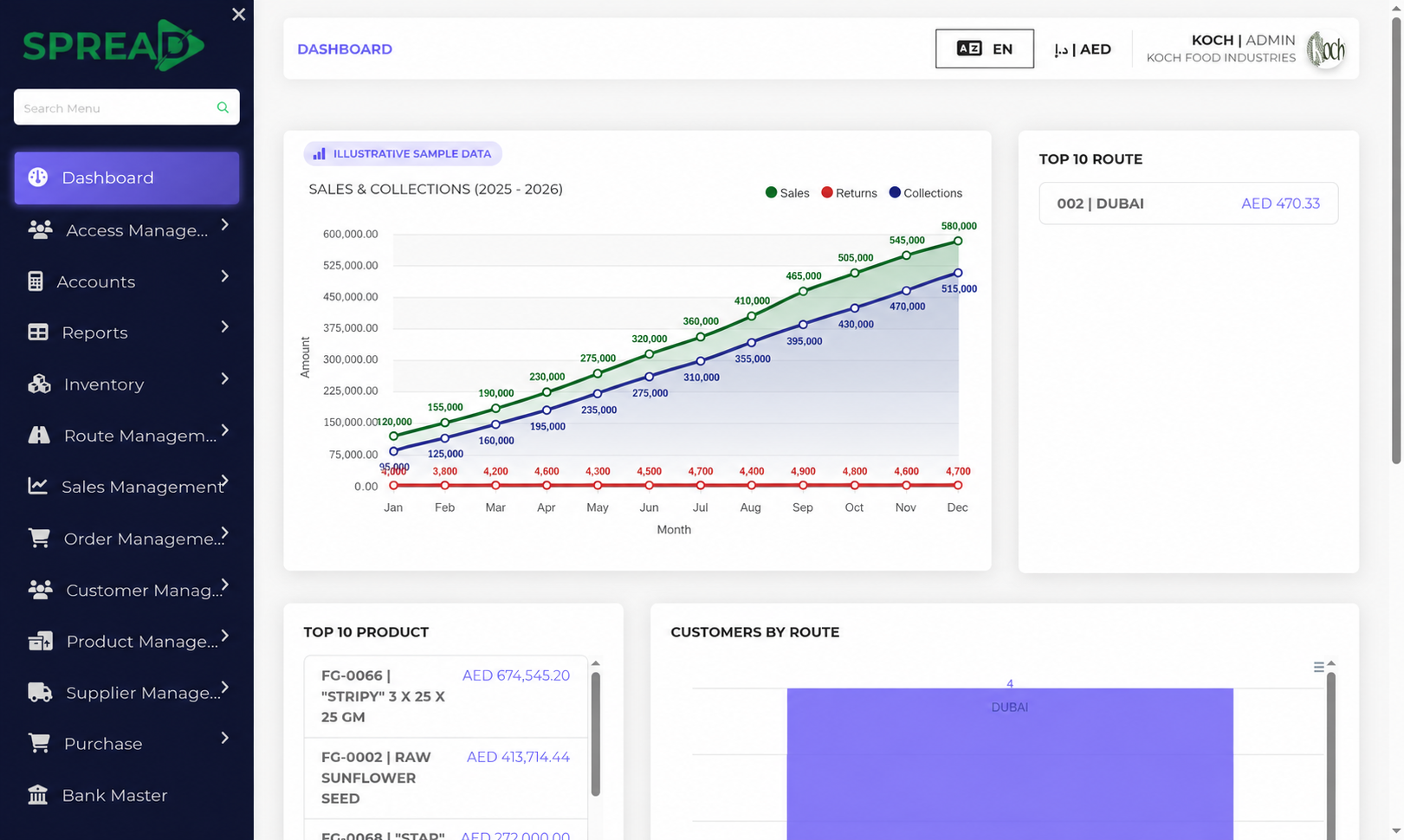
A practical path through the work, from first record to the next decision.
Start with sales, inventory, customer balances, supplier aging or finance.
Use available report filters to focus on the period or business area.
Share the relevant report with the people responsible for the next step.
Review sales, inventory, customer and supplier activity alongside financial reports to understand what needs attention.
Tell the Spread team what you manage today and where you need a clearer view.