
Know the customer
Maintain customer records, groups, divisions and relevant pricing.
Manage customers, groups and divisions. Check pricing, invoices, balances and route activity before following up with a customer.
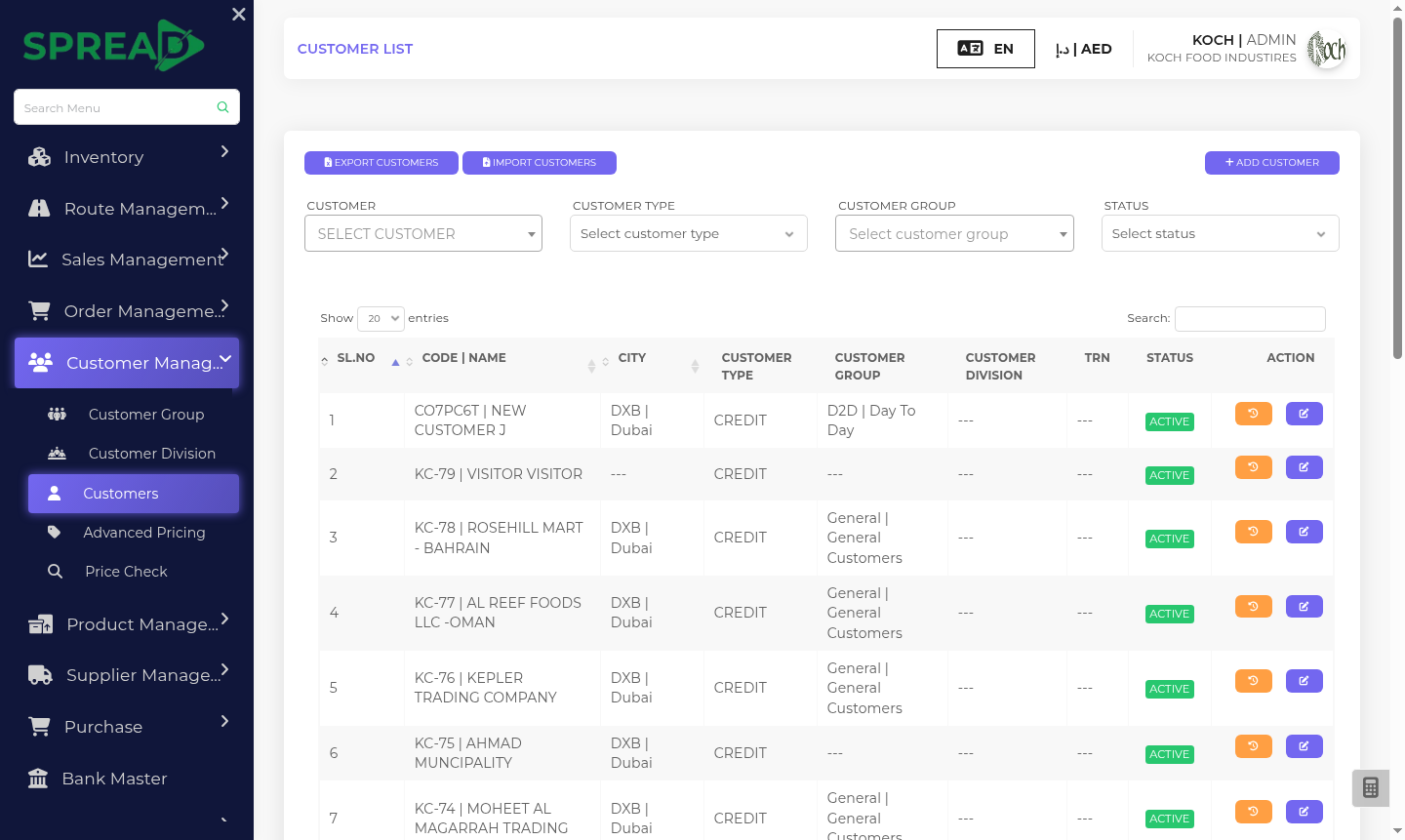
A practical path through the work, from first record to the next decision.
Maintain customer records, groups, divisions and relevant pricing.
Organize routes and salespeople for field activity.
Review route activity, sales records and collections from one clearer context.
Manage customers, groups and divisions. Check pricing, invoices, balances and route activity before following up with a customer.
Tell the Spread team what you manage today and where you need a clearer view.