
Organize locations
Set up warehouses and storage locations for the places where inventory is held.
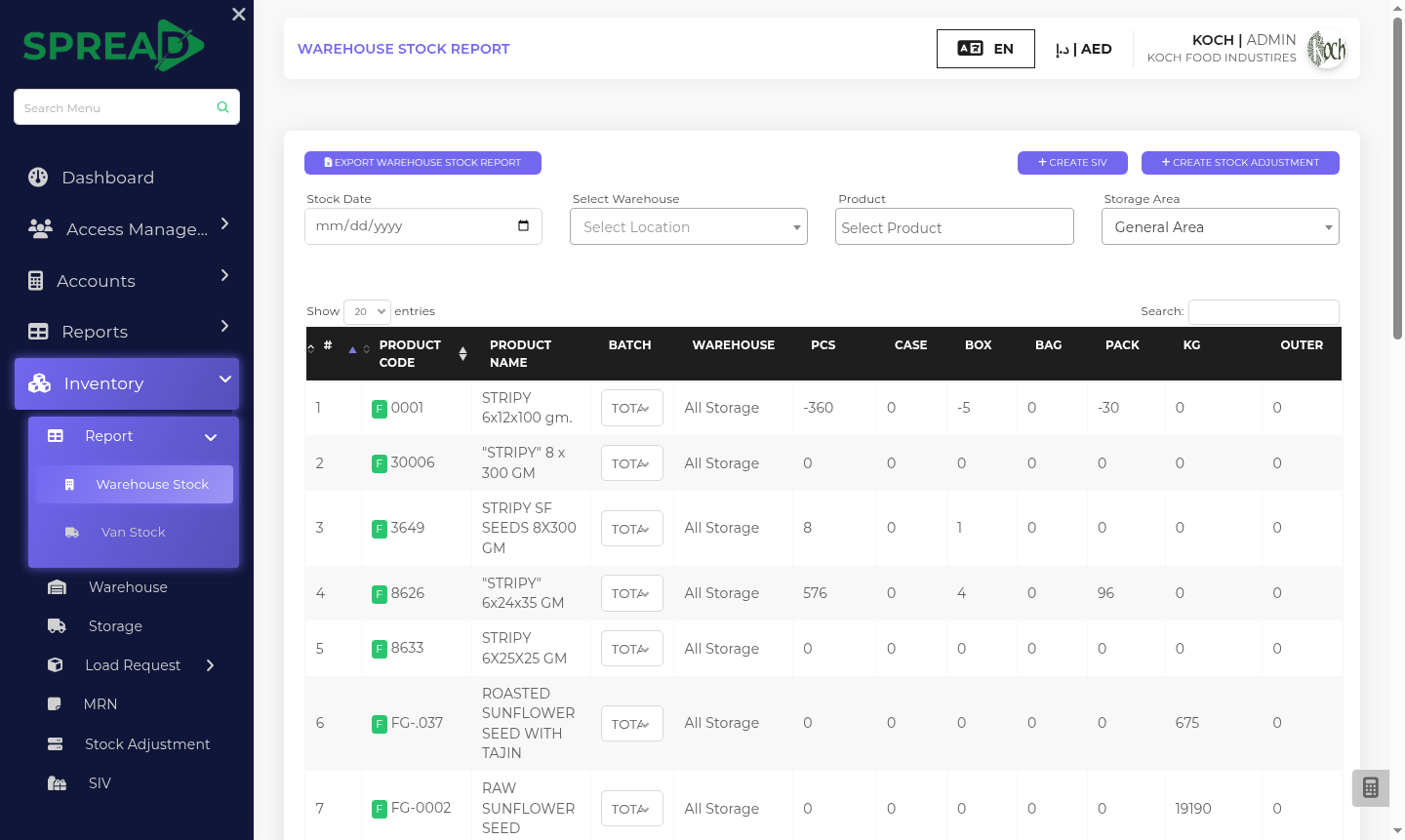
Follow products from the warehouse to the teams that need them, with clear records for receiving, transfers and adjustments.
A practical path through the work, from first record to the next decision.
Set up warehouses and storage locations for the places where inventory is held.
Record goods received against purchases and follow load requests to routes or vans.
Use adjustment, issue and inventory reports to understand what changed.
Follow products from the warehouse to the teams that need them, with clear records for receiving, transfers and adjustments.
Tell the Spread team what you manage today and where you need a clearer view.