
Set up the team
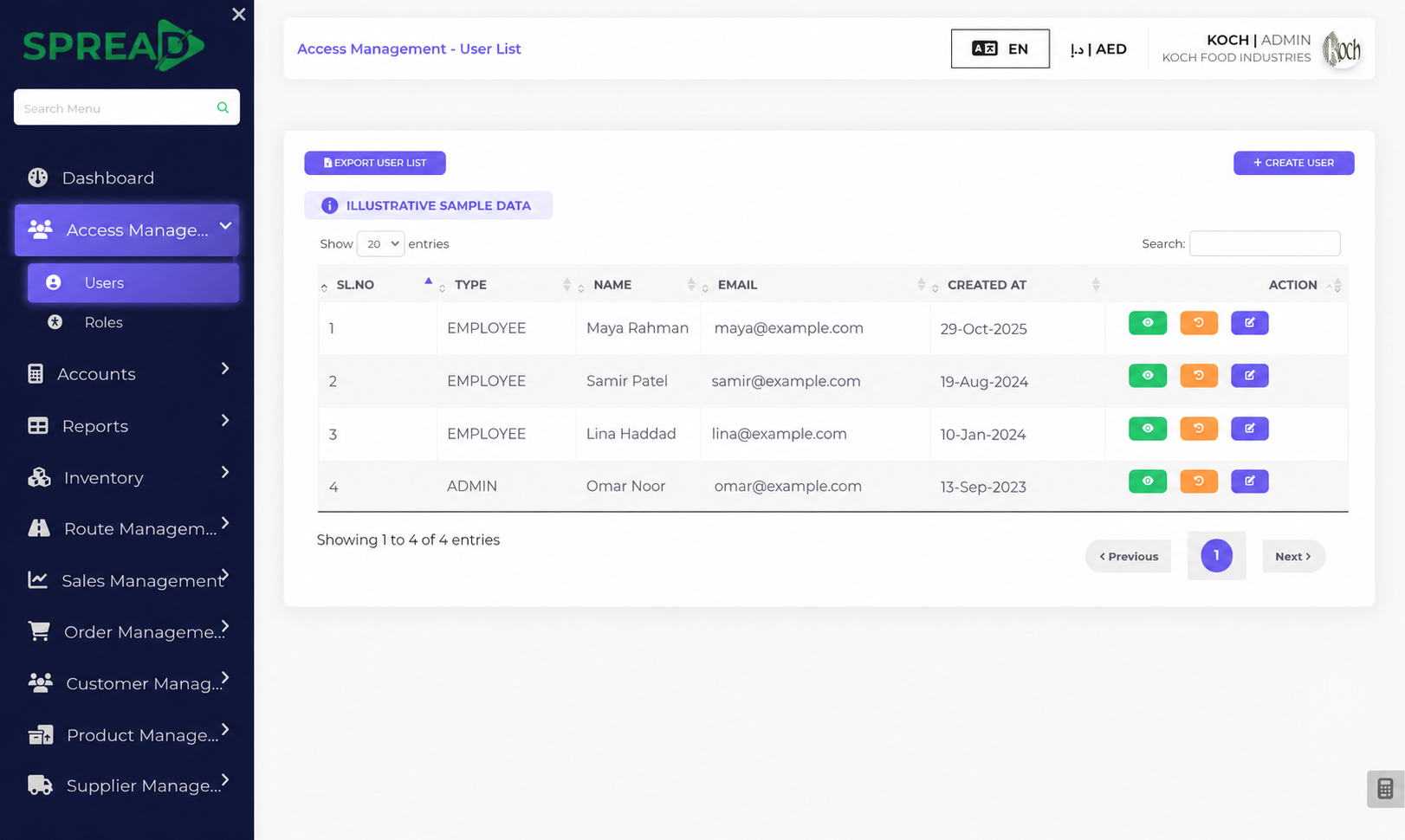
Create user accounts and roles for the people working in Spread.
Set up users and roles, review document approvals and keep an activity trail for the people responsible for operations.
A practical path through the work, from first record to the next decision.
Create user accounts and roles for the people working in Spread.
Use available approval options on documents such as invoices and cheques.
Review activity and ledger audit screens when you need to trace changes.
Set up users and roles, review document approvals and keep an activity trail for the people responsible for operations.
Tell the Spread team what you manage today and where you need a clearer view.